
PhotoTouch mobile capture
Capture, upload, and share branded photos.
PhotoTouch+ puts a connected capture workflow on iPhone and iPad. Photograph the guest, associate the session with a unique customer identifier, and upload the work to PhotoTouch for branded delivery.

A PhotoTouch account is required. Your account supplies the connected workflow and custom branding used by the app.
A mobile PhotoTouch workflow
From the moment to the guest’s gallery.
Give roving teams a guided path for identifying customers, capturing their photos, and moving those images into the PhotoTouch experience.
- 01
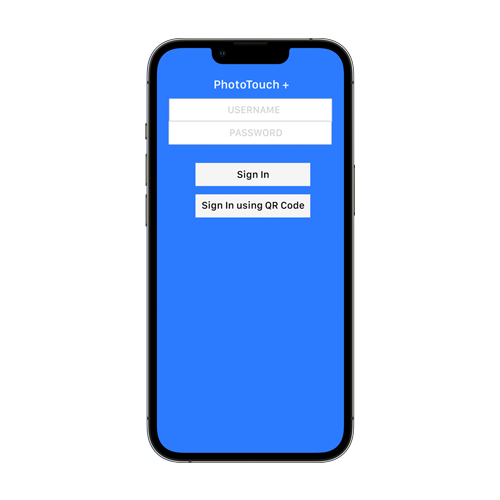
Connect
Sign in with an existing PhotoTouch account and load the settings for the program.
- 02
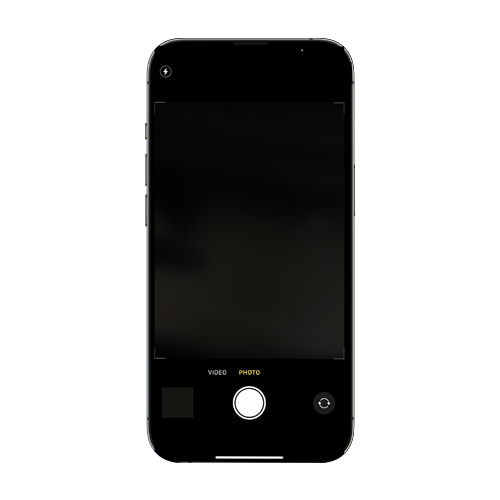
Capture
Use the mobile device camera or a supported connected camera to photograph each guest.
- 03
Deliver
Upload images into PhotoTouch so customers can receive and share their branded photos.
Made for the venue floor
Capture beyond the fixed photo set.
PhotoTouch+ gives photographers the freedom to move through restaurants, attractions, activations, and events while keeping every capture connected to the right customer and brand experience.
- IdentifyUse barcodes, generated numbers, or email addresses as customer identifiers.
- CapturePhotograph guests and record supported short video clips from the mobile workflow.
- ControlSet capture limits and offer a guided self-service countdown mode where appropriate.
- UploadSend images to the connected PhotoTouch account for customized branding and delivery.
Account + product support
Already using PhotoTouch?
Our team can help with account access, app setup, compatible capture workflows, and branded delivery.